SyncMD
by VYRTY Corp DBA SyncMD
Free (with optional paid features)
Platforms: iOS Web Android
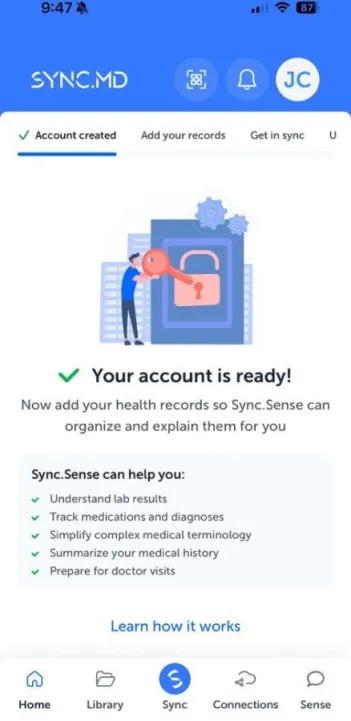
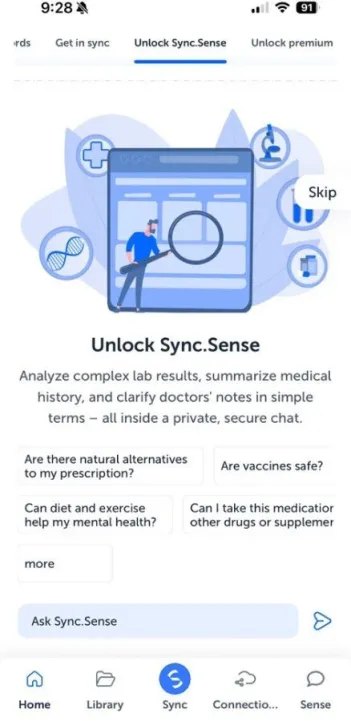
SyncMD® is a patient-centric Personal Health Record (PHR) that empowers individuals to securely collect, store, organize, understand, and share their health information in one application. Integrated with the platform, Sync.Sense™ uses AI to analyze authorized medical records, explain complex health information, answer questions, generate personalized insights, and help users prepare for appointments, while keeping data private, protected, and under the user's control.
Key Features
-
Manage your health records
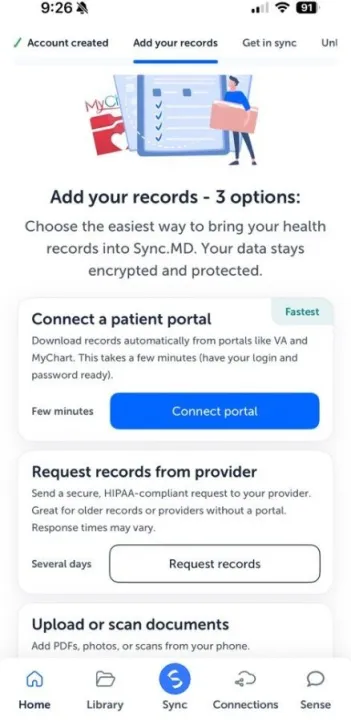
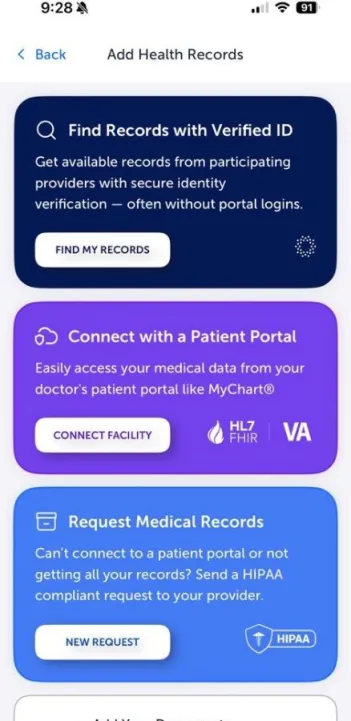
SyncMD provides a secure Personal Health Record where you can collect, store, and share your health information in one application. Connect patient portals, upload medical documents, scan paper records, or request records directly from healthcare providers to build a comprehensive health history. Your records are securely stored and available whenever you need them, eliminating the need to search through paper files or multiple patient portals. With your permission, you remain in control of who can view or access your information at all times.
-
Use AI to get insights on your health
Sync.Sense™ is an AI powered personal health assistant that helps you better understand your medical records. It can generate easy-to-read summaries, explain complex medical terminology, answer questions about your health history, identify trends over time, and help you prepare for upcoming appointments. The AI assistant analyzes only the health information you authorize it to access and is designed to support health literacy, not replace medical advice. Your data remains secure, private, and is never used to train AI models.
-
Share information with caregivers or providers
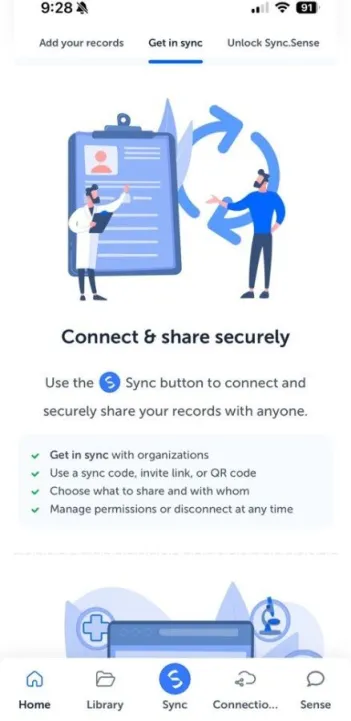
SyncMD makes it easy to securely share your health information with healthcare providers, caregivers, family members, or other trusted individuals. Instead of printing records or completing repetitive paperwork, you can share the information you choose through secure digital methods, helping ensure everyone involved in your care has access to accurate, up-to-date information. This improves care coordination, especially when seeing multiple providers or transitioning between care settings. You maintain complete control over what is shared, with whom, and for how long.
Screenshots